
Autoplatba
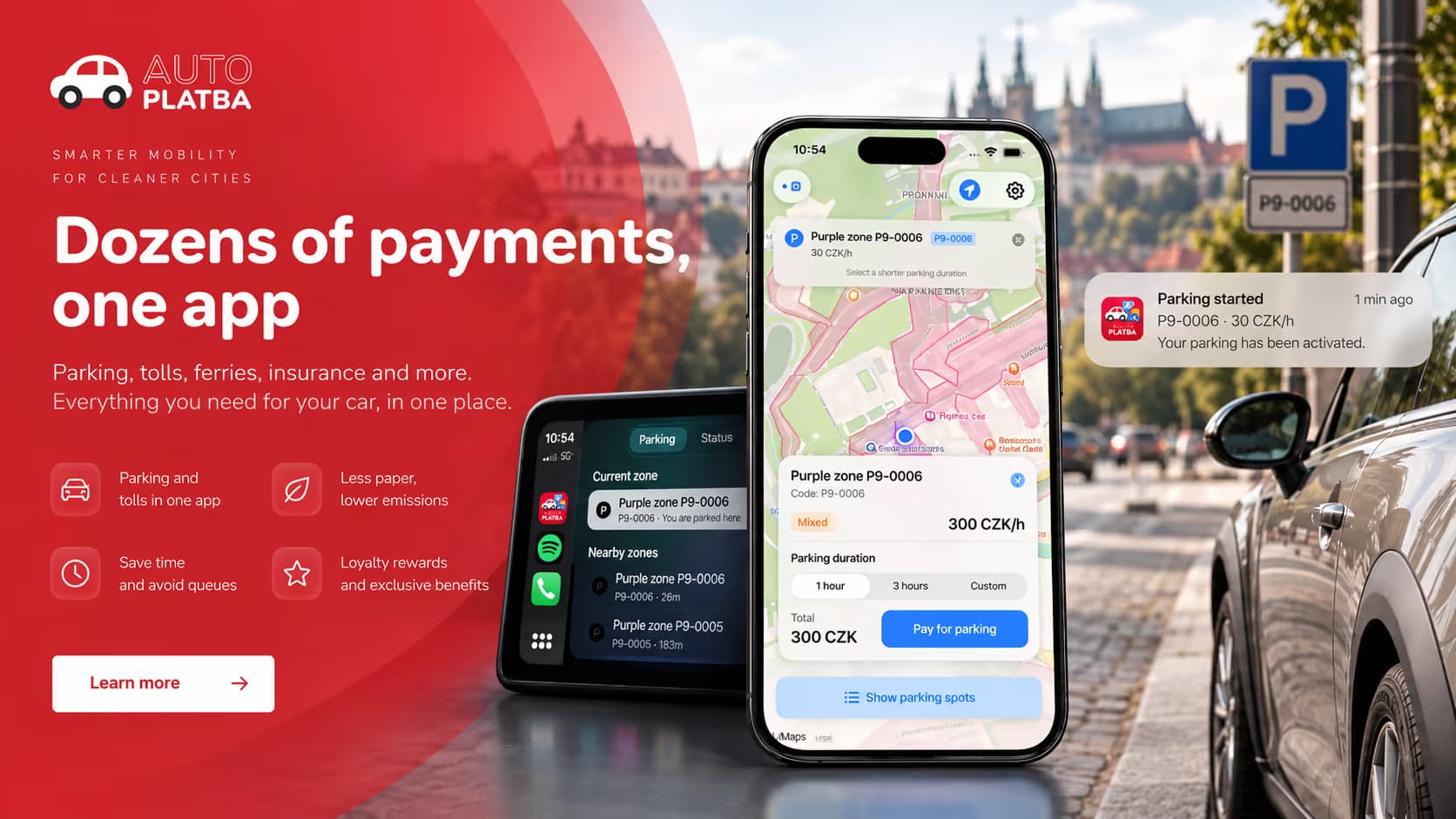
Autoplatba helps drivers find a parking zone, start parking and pay. We built the native iOS app, including location-based detection, reservations, payments, CarPlay and Siri support.
Technology
Severalstepsbeforeadrivercanleavethecar
After parking, drivers often need to find the zone, check the tariff, enter their vehicle details, choose a duration and pay. They also need to keep track of when the paid time expires.
Autoplatba uses phone and vehicle signals to detect when the driver may have parked. It identifies nearby zones and prompts the driver with the relevant parking options.
Location and vehicle signals help the app suggest where and when to start parking.
Connectinglocation,parkingandpayment
The app combines vehicle signals, GPS, parking-zone data, reservations and payments to suggest an appropriate action when the driver parks.
- 01
Vehicle context
Movement and parking events.
- 02
GPS
The current position.
- 03
Zone geometry
Municipal parking polygons and tariffs.
- 04
Reservations
Backend state for the session.
- 05
Stripe
Payments, Apple Pay and saved methods.
- 06
Apple ecosystem
CarPlay, Siri, Live Activities and notifications.
Findingtheparkingzonefromthedriver’slocation
Autoplatba compares the driver’s GPS position with the mapped boundaries of nearby parking zones. If it cannot find an exact match, it can offer nearby zones as alternatives.
Zone records include their category, boundary and prices by time. The app caches nearby zones and refreshes them based on time and distance travelled, reducing repeated requests.
- 01
Vehicle event
- 02
Location
- 03
Zone data
- 04
Geometric analysis
- 05
Parking context
- 06
Notification
From the driver’s location to a suggested parking zone.
Handlingpaymentsandinterruptedbookings
A reservation may exist before payment finishes. Payment can be interrupted. Authentication may be required. The app may be closed and reopened while parking is active, and a session may need to be extended or ended early.
Stripe processes payments through saved payment methods and Apple Pay. The app keeps unpaid reservations separate from active parking sessions, so an interrupted payment can be recovered. Sensitive payment identifiers are stored in the iOS Keychain.
- 01
Zone and duration
- 02
Create reservation
- 03
Initialize payment
- 04
Confirm transaction
- 05
Activate session
- 06
Track remaining time
- 07
Extend or finish
ParkingcontrolsthroughCarPlayandSiri
Once a payment method is set up, drivers can use supported parking actions through Siri or CarPlay. Siri can check the current zone and parking status, or start, stop and extend parking. CarPlay displays nearby zones and the active session.
Some payments can complete in the background. If Stripe requires an additional step such as 3D Secure authentication, the driver must complete it in the full app.
- Check the current parking status
- Identify the current zone
- Start parking
- Stop parking
- Extend an existing session
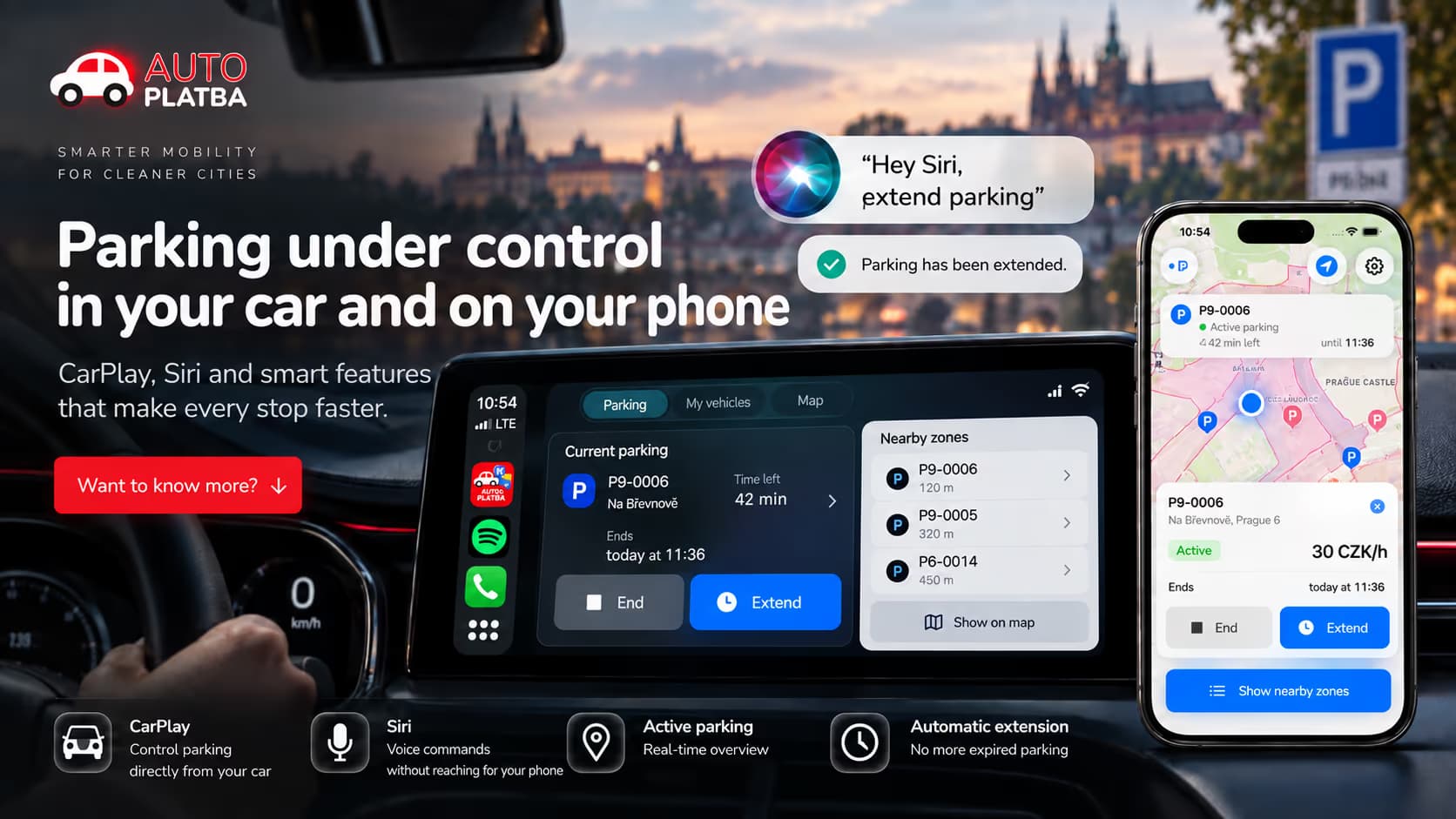
Parkingstatuswithoutreopeningtheapp
Live Activities show the zone, remaining time, parking status and current price on the Lock Screen and in Dynamic Island. Notifications report detected parking and changes to the session.
Drivers can check their parking time without reopening the app.
Restoringparkinginformationafteraninterruption
The driver can close the app. The system can suspend background execution. A payment can be cancelled. The backend may already hold a reservation. A session can expire while the app is inactive.
Active sessions are persisted locally and reconstructed after restart. Returning to the foreground re-evaluates parking state instead of trusting only background timers, and existing Live Activities can be reconnected. If the backend reports a conflict, the app can query reservations for the vehicle, restore a valid session, clear stale state and continue. Pending reservations from an interrupted payment can be recovered or cancelled.
- 1
App state
Local session, rebuilt after relaunch.
- 2
Reservation backend
The source of truth for the parking session.
- 3
Payment provider
Stripe state, including interrupted checkouts.
- 4
Live Activity
Reconnected when the app returns.
PlansforthewiderAutoplatbaproduct
The wider Autoplatba roadmap includes barrier access, reservations, loyalty features, visitor feedback, facility use, tolls, motorway vignettes, charging and other vehicle-related payments.
These are planned directions for the wider product. The iOS functionality delivered in this project is described above.
Autoplatba has also taken part in projects supported through the Creative Vouchers programme of the Czech Ministry of Culture, with publicly listed projects for 2023 and 2024.
Howparkingworks
Possible parking is detected
Vehicle or location context indicates that a parking event may have happened.
The app checks the location
Nearby zones are loaded and the GPS coordinate is tested against their boundaries.
The zone is suggested
The app suggests a parking zone based on the driver’s location.
Parking is confirmed and paid
A reservation is created and Stripe handles the transaction.
Parking status appears on the phone
It appears in the app, on the Lock Screen and in Dynamic Island.
Controls are available through Siri and CarPlay
Supported actions also run through CarPlay or Siri.
Session information is restored
The app restores session information after a restart and checks reservations and payments with the backend.
WhatDevehopebuilt
Native iOS app
An app built in Swift and SwiftUI, with access to native iOS features.
Reservations and payments
Stripe, Apple Pay, saved payment methods and recovery after interrupted payments.
Location and parking zones
Mapped zone boundaries, location search and checks to identify the relevant parking zone.
Platform integrations
CarPlay, Siri App Intents, notifications, Live Activities and Dynamic Island.
Zoneselection,paymentandparkingstatusinoneapp
The iOS app brings zone selection, reservations, payment and parking status into one flow. CarPlay, Siri and Live Activities make selected controls and information available outside the main app.
Much of our work focused on keeping reservations, payments and active parking sessions consistent when a payment is interrupted or the app is closed and reopened.
Selectedprojects
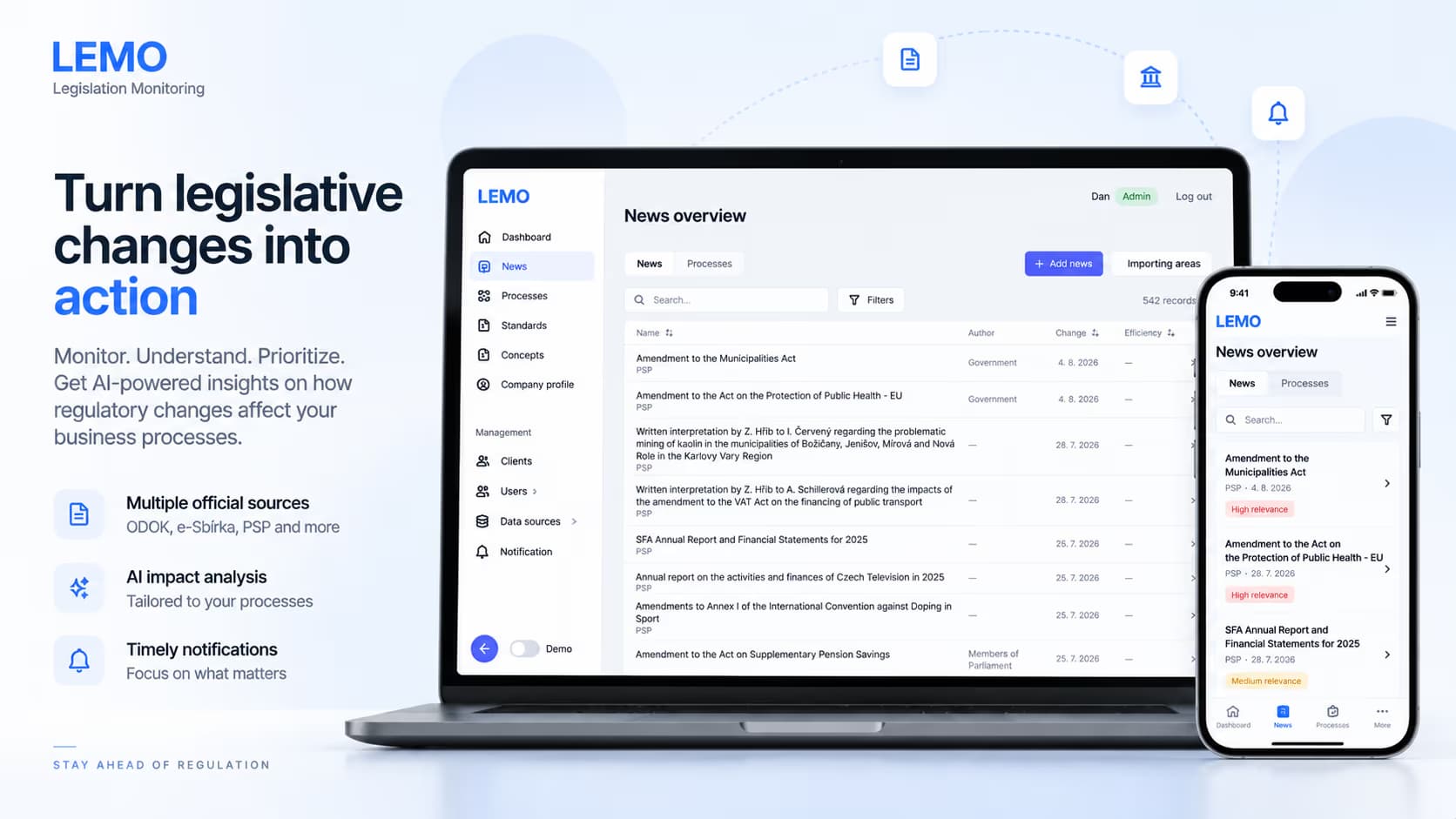
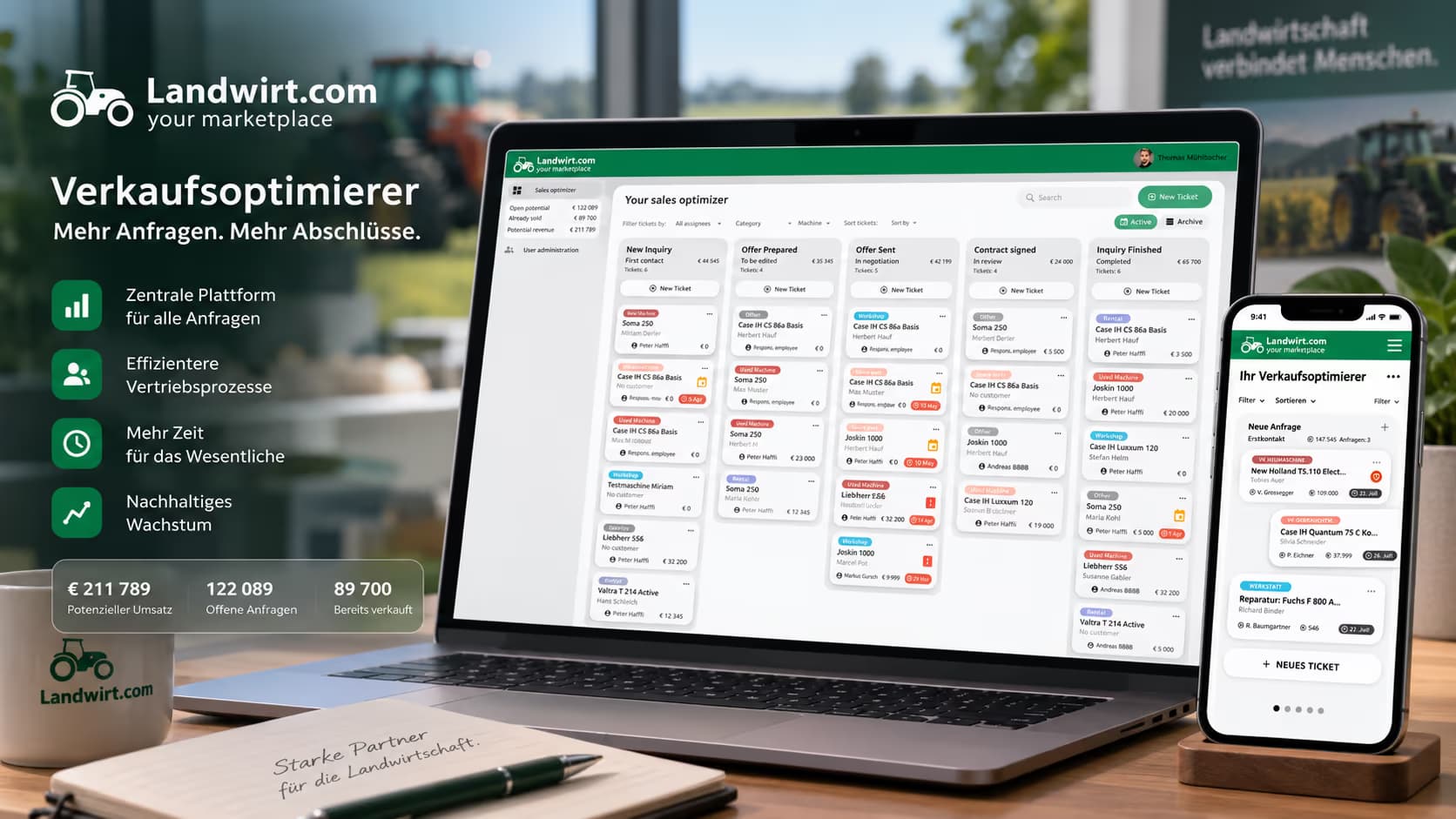
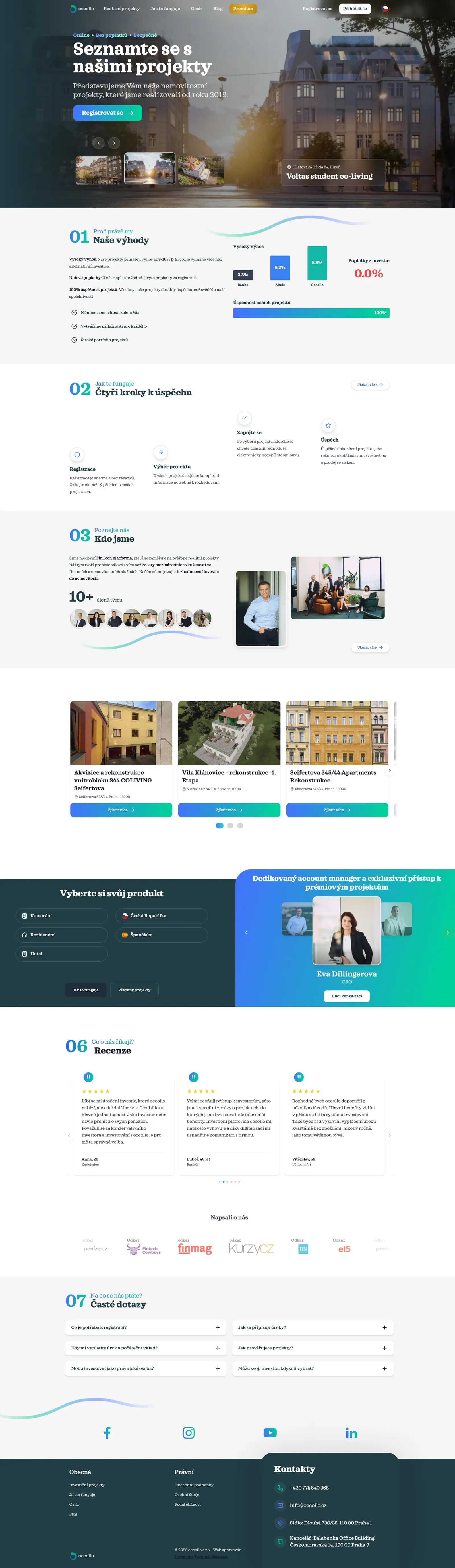
From regulated FinTech and RegTech platforms to AI systems, marketplaces, and large e-commerce ecosystems.




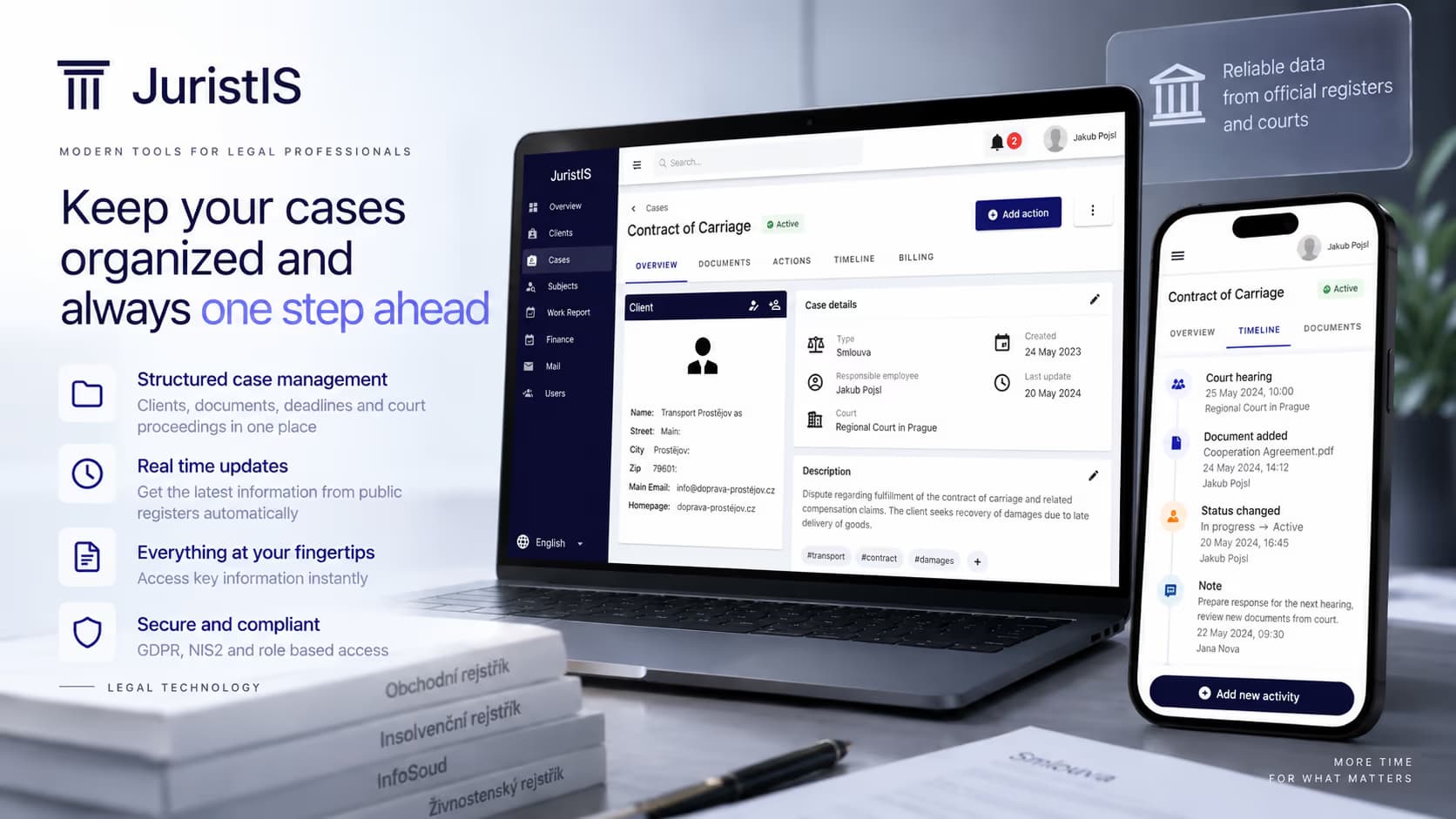

Lawyers Marketplace
Website and marketplace platform for attorneys and law firms